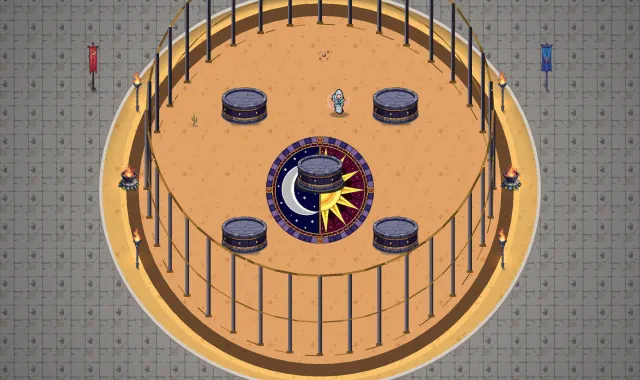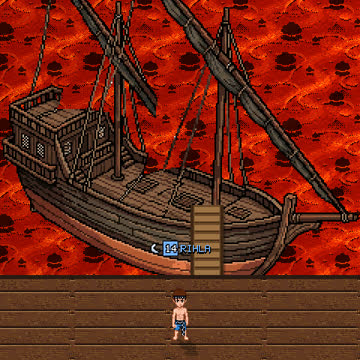
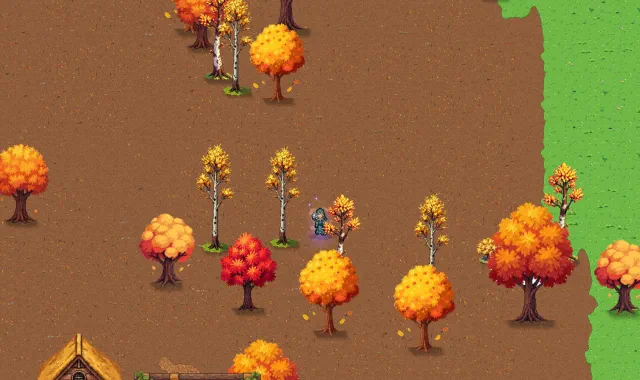
The standard view is the one the game always had. Spread two fingers on the ground to come closer, up to half again; pinch them together to see more of the land, down to half. Your hero keeps his place on the screen, and the zoom snaps back to the standard view when you come close to it.
Buttons, the minimap and the chat keep working as before: only fingers on the ground zoom. The game remembers your zoom, and Settings › Zoom › Locked keeps it where it is.